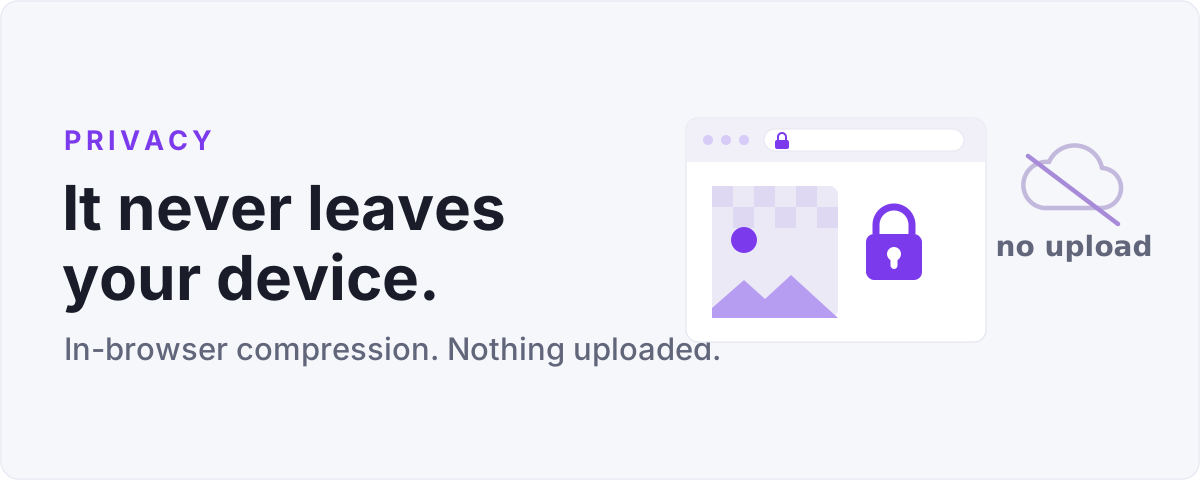
Most compression sites work the same way under the hood: you upload your photos, a server squeezes them, and you download the results. It works, but every file you touched now sits on someone else's machine for some length of time. The MiniPix.io image compressor takes a different route, and it is worth understanding why.
The work happens on your side
Modern browsers can decode an image, redraw it at a new size, apply filters, and re-encode it to JPEG, WebP, or PNG entirely on their own. That is the same engine a web page uses to show a photo, pointed at a different job. When you drop files into the in-browser image compressor, they load straight into that engine on your computer. The compressed results are built there too, then handed back to you as downloads.
Nothing is sent anywhere. There is no upload step because there is no server waiting to receive the files.
Why that matters
A few reasons this is more than a nice detail.
- Private photos stay private. Screenshots with account details, scans of documents, family pictures. None of it travels across a network or waits in a queue.
- It works offline. Once the page has loaded, you can pull the plug on your connection and keep compressing. Try that on an upload-based site.
- It is fast on large batches. No waiting for forty files to crawl up a slow connection and back down. The bottleneck is your own processor, which is usually quicker than your upload speed.
How to confirm it yourself
You do not have to take our word for it. Open your browser's developer tools, switch to the Network tab, and run a batch. You will see the page and its assets load once, and then nothing while you compress. No requests carrying your image data go out.
For the truly cautious, load the page, turn off your network, and keep working. Everything still runs.
The one trade-off
Because the work runs on your device, a giant batch of very large images leans on your own memory and processor rather than a data center. On a modern laptop or phone this is rarely an issue, but if you are feeding in hundreds of huge files at once, do it in a couple of smaller batches. That is a fair price for keeping every file on your own machine from start to finish.